Features · Skysa Notes
A notes app that lives in your Dropbox.
The app makes one folder in your Dropbox and keeps every note there as a Markdown file. Your devices sync with it, and so does the Dropbox app on your computer, so a note is also just a file on your disk.
A folder, not a database
Connect Dropbox and the app makes one folder of its own, under Apps in your Dropbox. Every notebook is a folder in it and every note a Markdown file, with its title, dates and tags in front matter at the top. Pictures and files you add to a note sit beside it. If you run the Dropbox app on a computer, the folder is on your disk too, and a note is just a file there.
Drop a file in and it is a note
Dropbox tells the app about every file in the folder, however it got there. Save a Markdown file into the folder from any editor, or drag an exported folder of notes in, and the app picks it up at its next sync, with no import step. This is the one place Dropbox beats Google Drive for the app, which can see only files it created on Drive.
Every device, the same folder
Each device you connect syncs with the same folder, two ways, and hears about a change from another device within seconds while the app is open. Two devices that change the same note while apart keep both versions, the second as a copy named with the time, so nothing is lost to a sync.
If you ever leave
Nothing to export. The folder in your Dropbox is already your notes, as plain files, and it stays there whatever happens to your subscription or to us.
What you get
Rich text that is really Markdown
Headings, lists, task lists, quotes, tables and code, in an editor that saves a plain Markdown file.
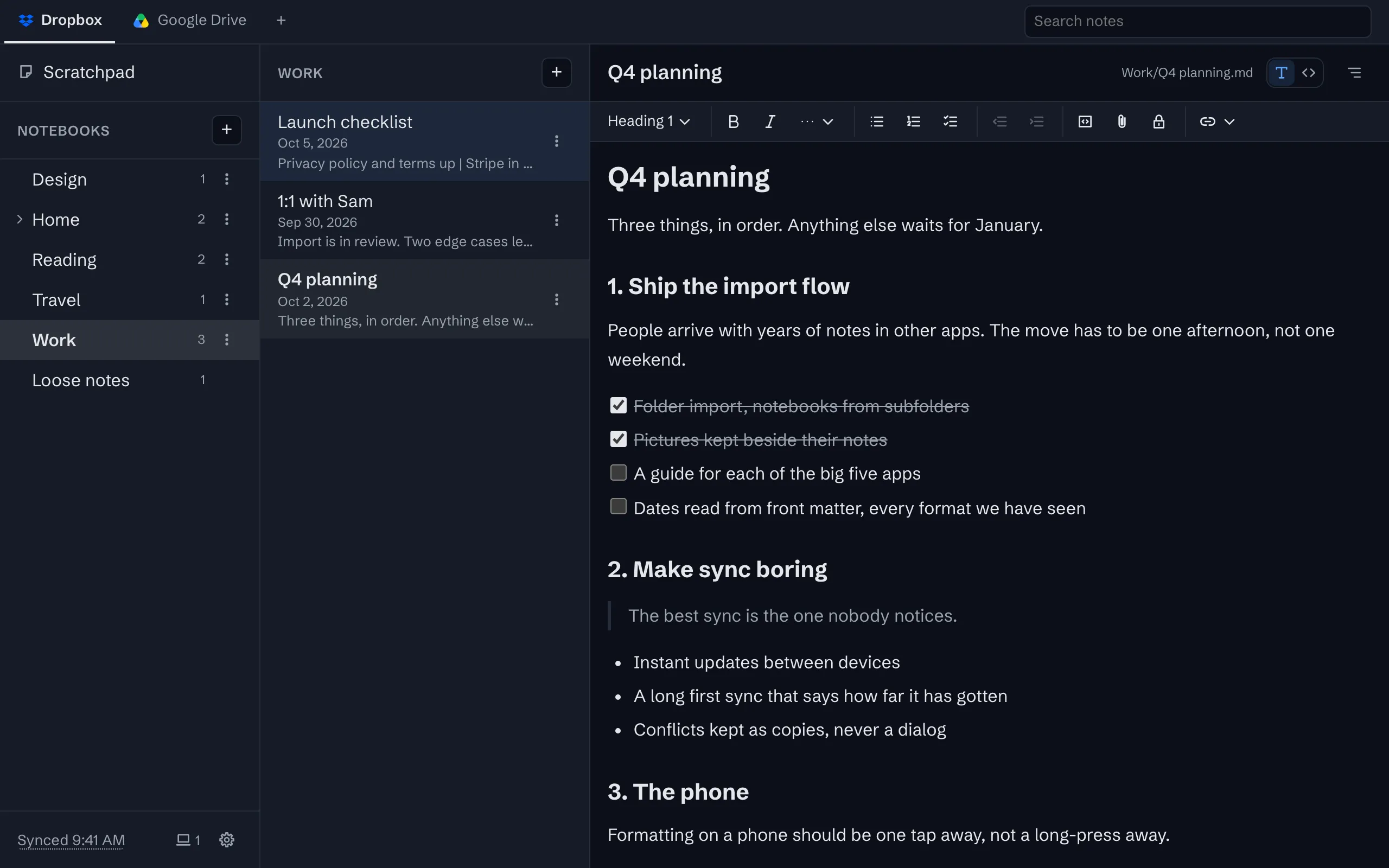
Sync through your own Google Drive or Dropbox
Your notes live in one folder in your own storage account, as plain files, and every device syncs with it.
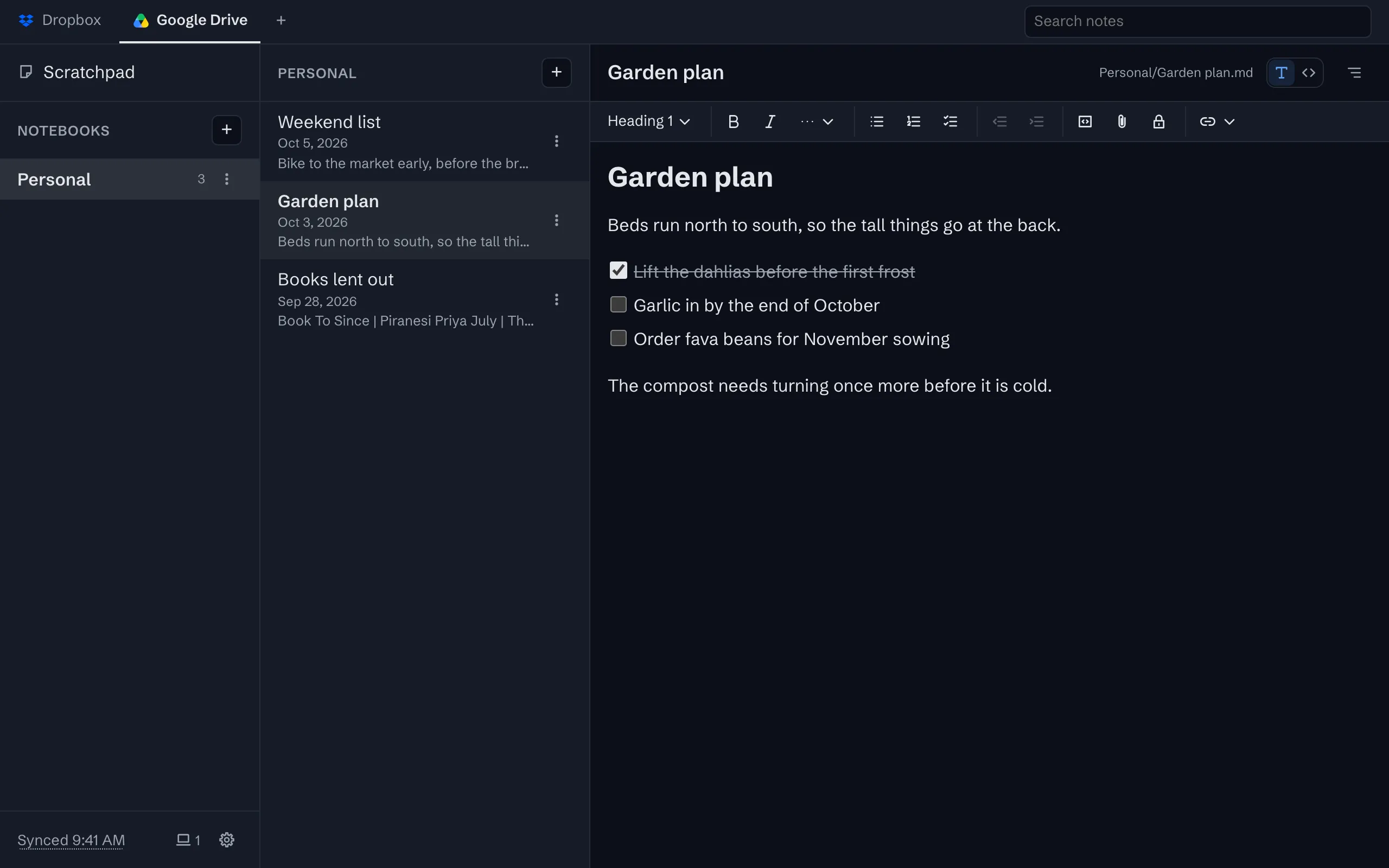
Notebooks that are folders
Nest notebooks as deep as you like, drag notes between them, pin what matters. Each is a folder in your storage.
Take everything out, any time
Download every note and its files as a zip, or just open the folder in your storage. There is no export step because there is no lock.
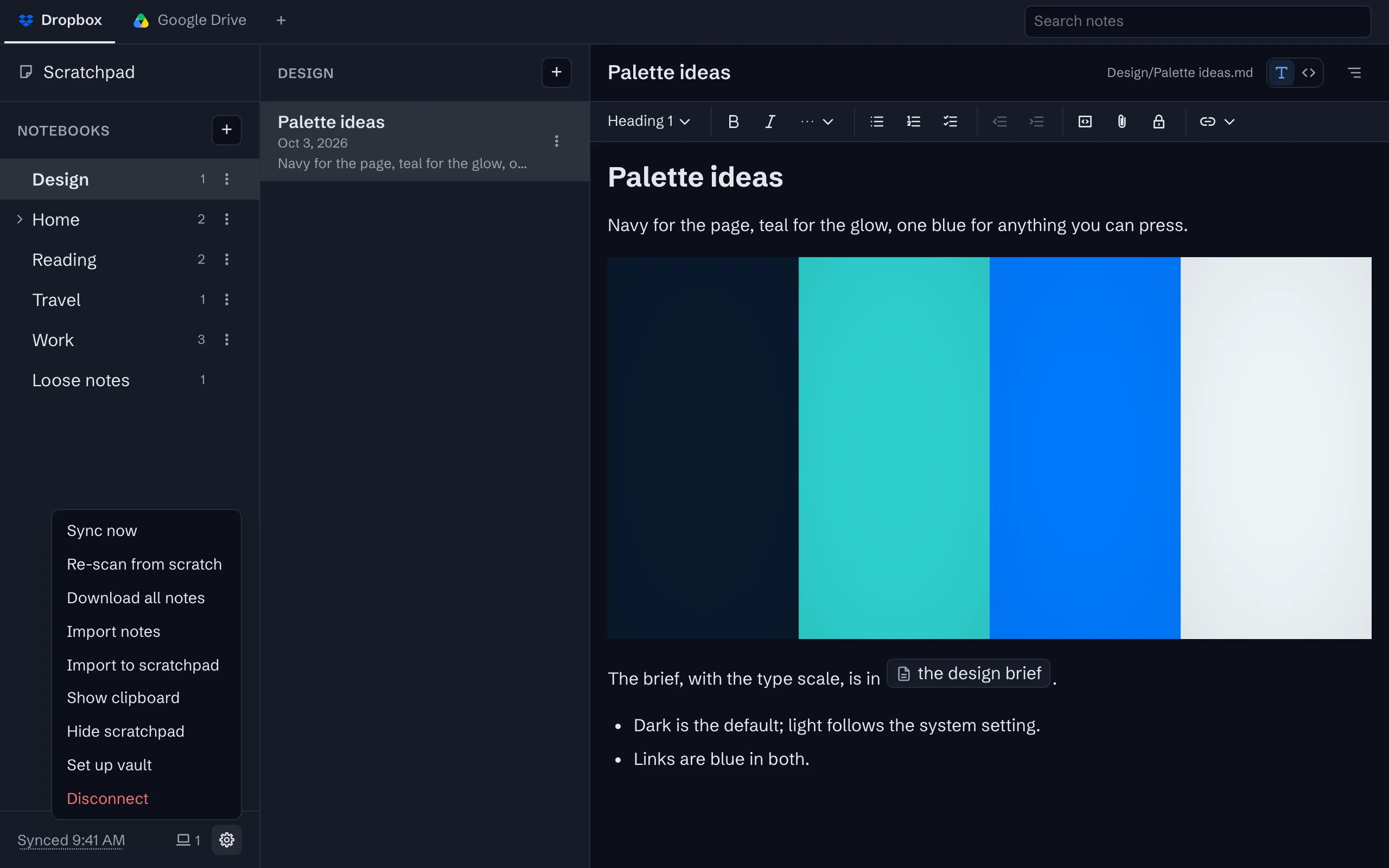


The whole tour has the rest, with screenshots.
Try it
The app is free on one device, with no account to create. Sync is $1 a month or $10 a year, after a 30-day trial with no card.