Features · Skysa Notes
Your notes on your phone, as the same files.
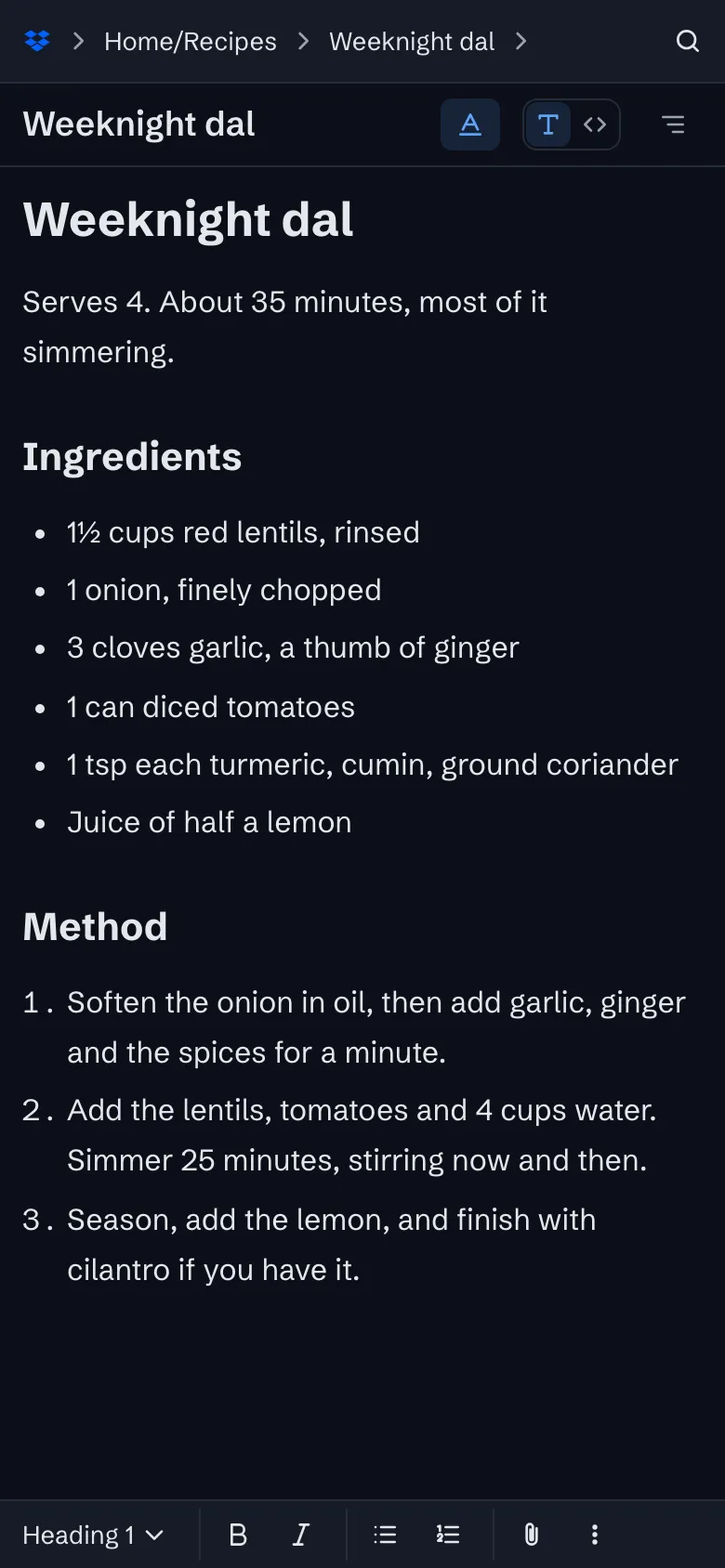
Install it from the browser on an iPhone or an Android phone, with no app store between you and it. It works offline, puts formatting one tap away, takes a photo straight into a note, and syncs the same Markdown files your laptop has through your own storage.
Installing it
On an iPhone, open the app in Safari, tap Share, then Add to Home Screen. On an Android phone, Chrome shows a banner with an Install button, and so does Edge. The installed app has its own icon and window, opens offline, and keeps your notes where a browser might not; Safari in particular can clear a website’s storage after a week away, but not an installed app’s.
Writing on a small screen
The account, the notebook and the note become a path across the top, each as wide as its name, and choosing one opens the next, so you get from an account to a note in a few taps. Format shows a formatting bar that stays on this device until you turn it off, with the text styles, lists and the paperclip, which is how a photo goes into a note on a phone. The slash menu and the search work as they do on a laptop.
Sharing to it
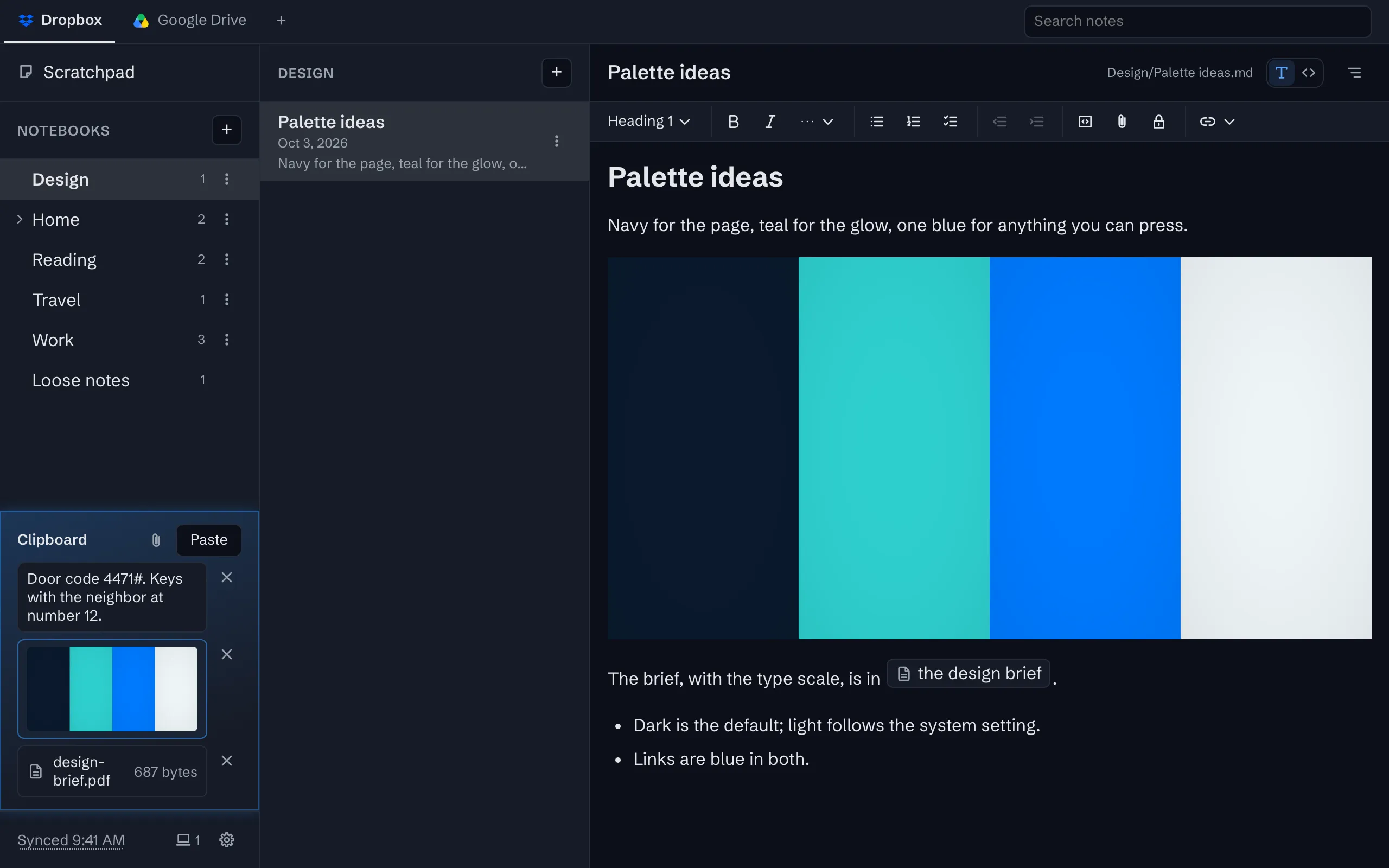
On Android and ChromeOS the installed app appears in the share sheet. Share text, a link or a file from any other app and it lands on your clipboard, which your other devices share, so a link saved on the bus is on your laptop when you sit down.
Data and pictures
Everything is saved on the phone first and syncs when it has a connection. A picture larger than 8 MiB that the phone has not already downloaded waits for you to ask for it, so scrolling past a photo does not spend your data plan.
What it is not
There is no app in the App Store or Google Play; the installed app comes from the browser. There are no notifications and no widgets. It is the same app on every device, and the same files.
What you get
Made for your phone
Install it from the browser, format with one tap, share anything to it. The same files as your laptop.
Offline first
Everything is on the device before it is anywhere else. Write without a connection and sync when it returns.
A clipboard your devices share
Copy on your phone, paste on your laptop: text, pictures and files, within seconds, through your own storage.
Sync through your own Google Drive or Dropbox
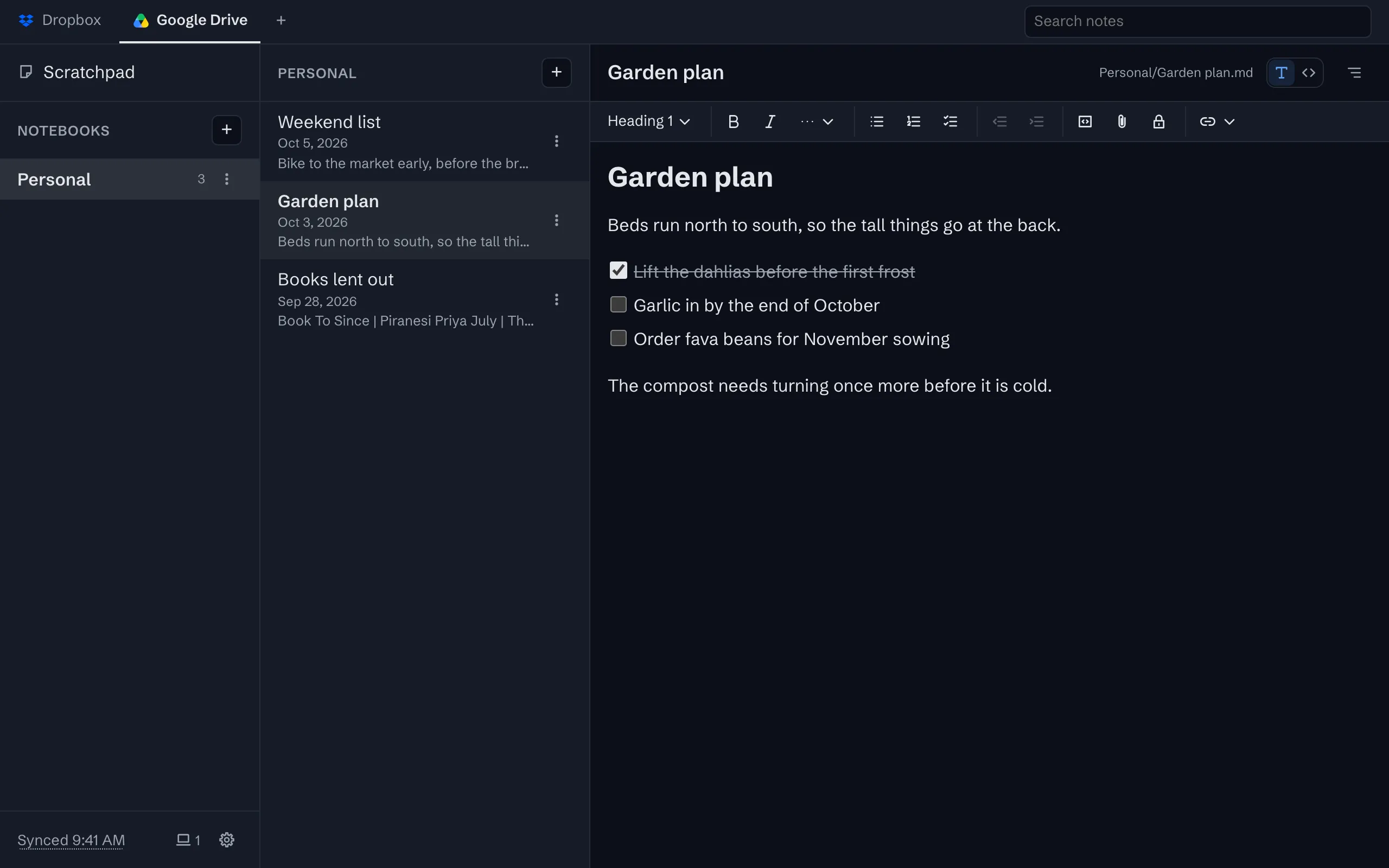
Your notes live in one folder in your own storage account, as plain files, and every device syncs with it.


The whole tour has the rest, with screenshots.
Moving your notes here
Our guides get your notes out of the app you have, as Markdown files, with free tools:
Try it
The app is free on one device, with no account to create. Sync is $1 a month or $10 a year, after a 30-day trial with no card.