Features · Skysa Notes
A notes app with no account.
Open it and write. There is nothing to sign up for, no password to keep, and no profile of you anywhere. When you want your notes on every device, your own storage account is all the identity the app needs.
Why there is no account
Most notes apps need an account because the notes live on the company’s servers, and the account is how they know which notes are yours. Skysa Notes keeps your notes on your device and, if you choose, in your own Google Drive or Dropbox. There is nothing of yours on our side to attach an account to, so there is no account.
Open the app and write. Notes stay on that device, offline, for free. Install it to your home screen or dock so the browser keeps them, and download them as Markdown whenever you like.
What stands in for a login when you subscribe
Syncing through your own storage is the paid part. When you subscribe, we email a short connect code to the address you gave. You type it into the app once on each device, and that device can then connect as many storage accounts as you like, with no more codes. The code is good for five minutes, and asking for another is free.
From then on, your storage account is your identity: the app knows your notes because it knows your folder. We never hold a password for you, because there is none to hold.
What we do keep
An encrypted key to each storage account you connect, which accounts they are and the email addresses on them, and your subscription’s email address, to send codes and bills. Never a word of your notes. The privacy policy lists it all, and the code that does it is public.
What you get
Rich text that is really Markdown
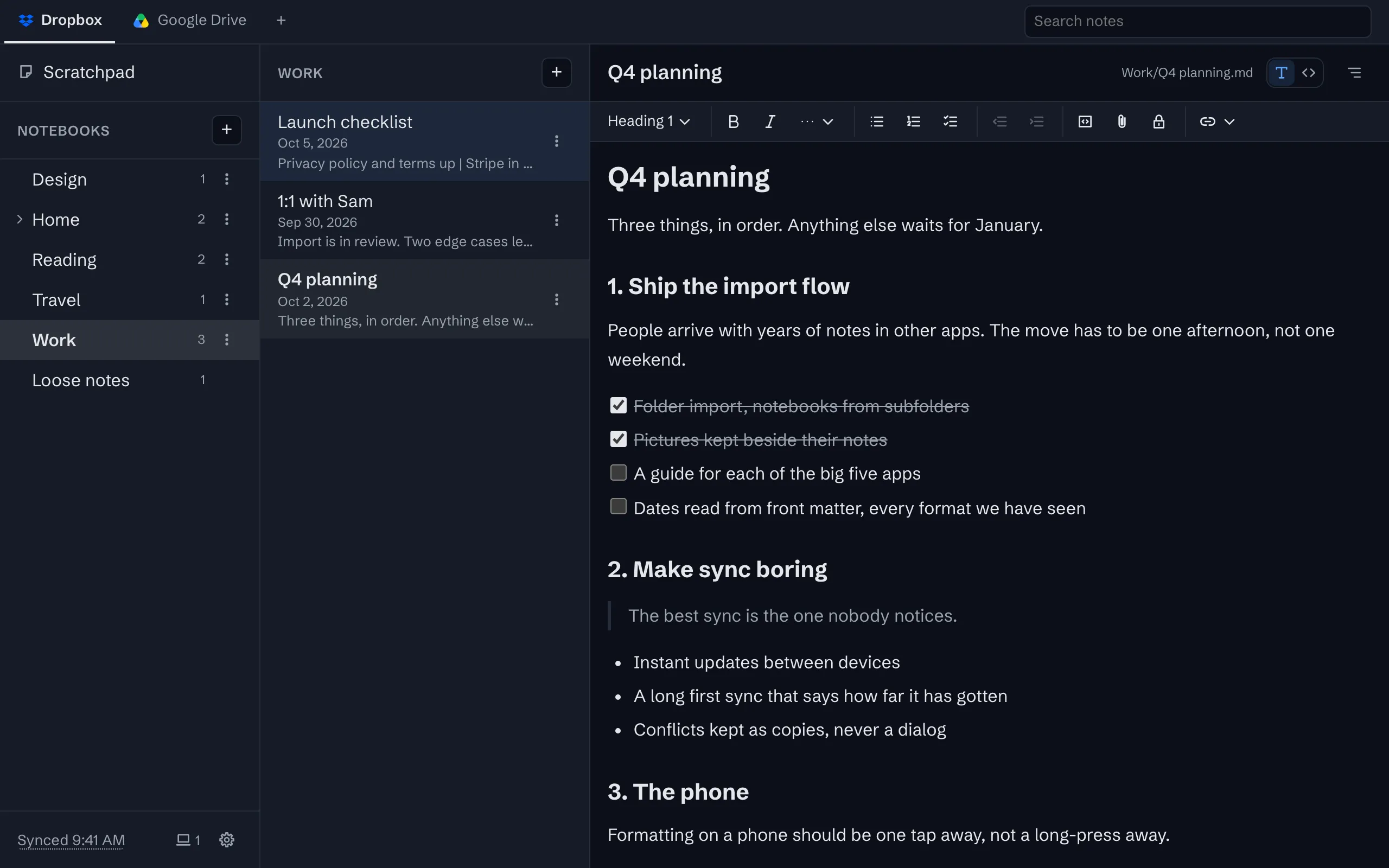
Headings, lists, task lists, quotes, tables and code, in an editor that saves a plain Markdown file.
Offline first
Everything is on the device before it is anywhere else. Write without a connection and sync when it returns.
Sync through your own Google Drive or Dropbox
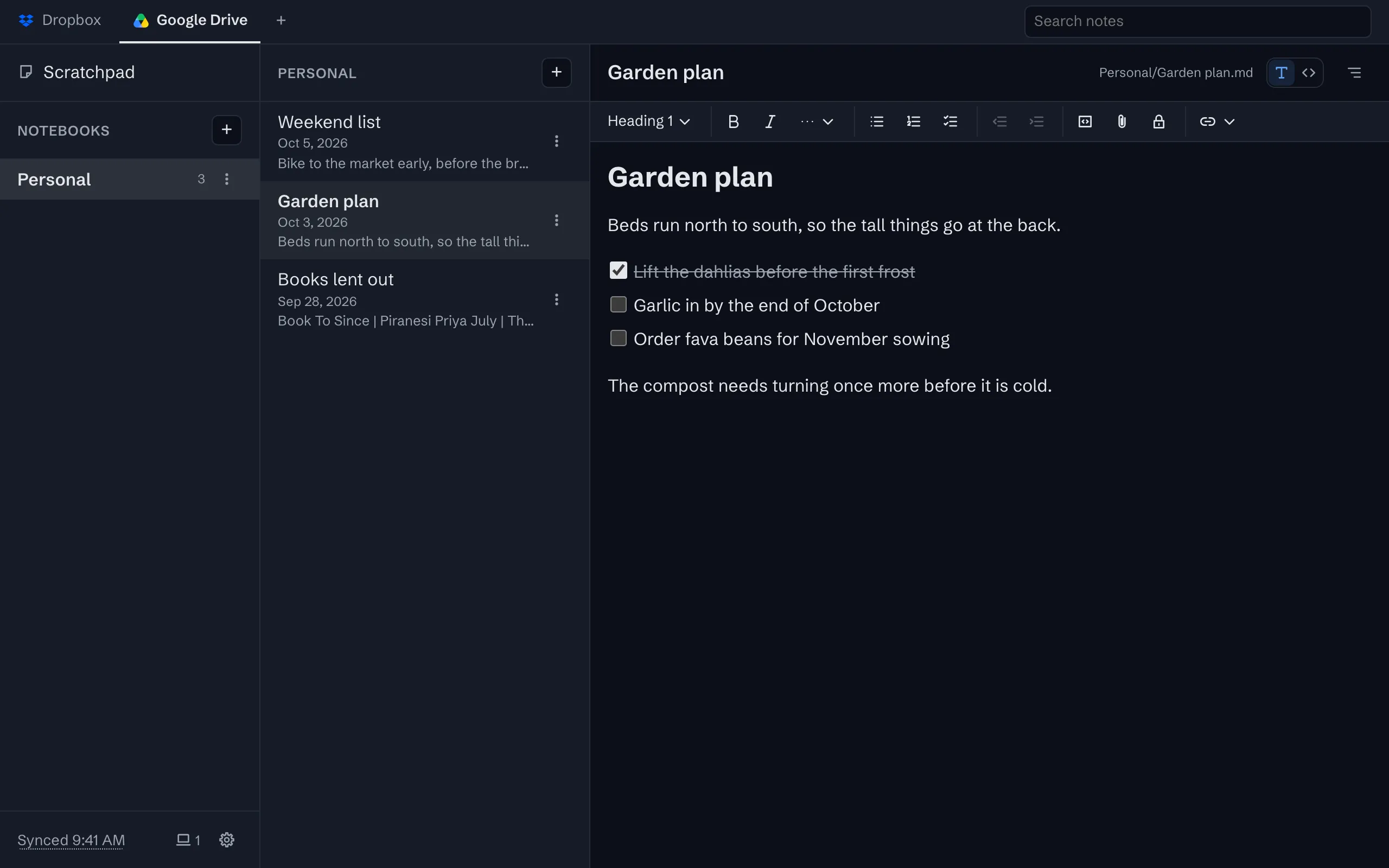
Your notes live in one folder in your own storage account, as plain files, and every device syncs with it.
Every device on the account, by name
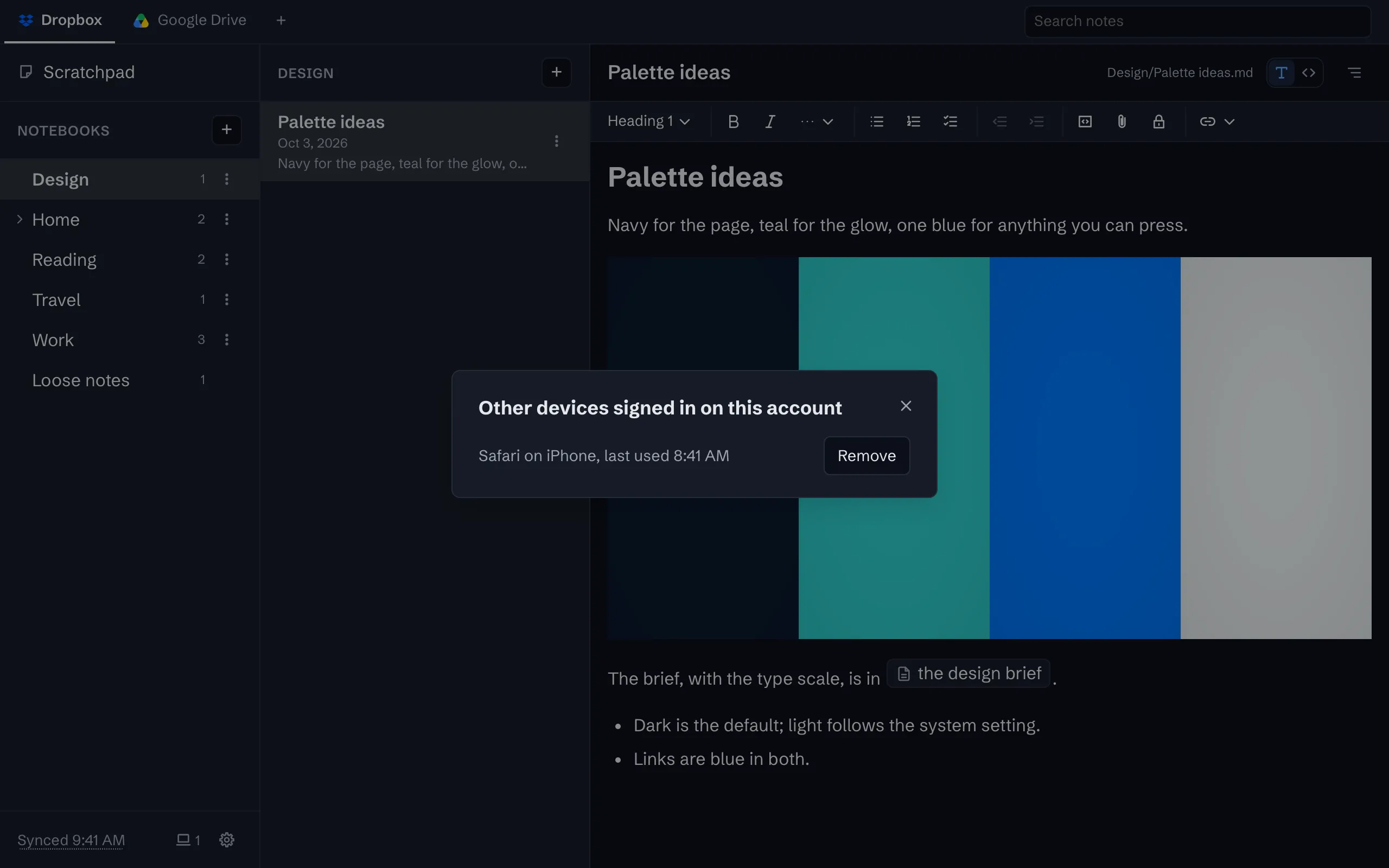
The status line counts the other devices signed in. Open the list to see each by name, and remove one you have lost.
Take everything out, any time
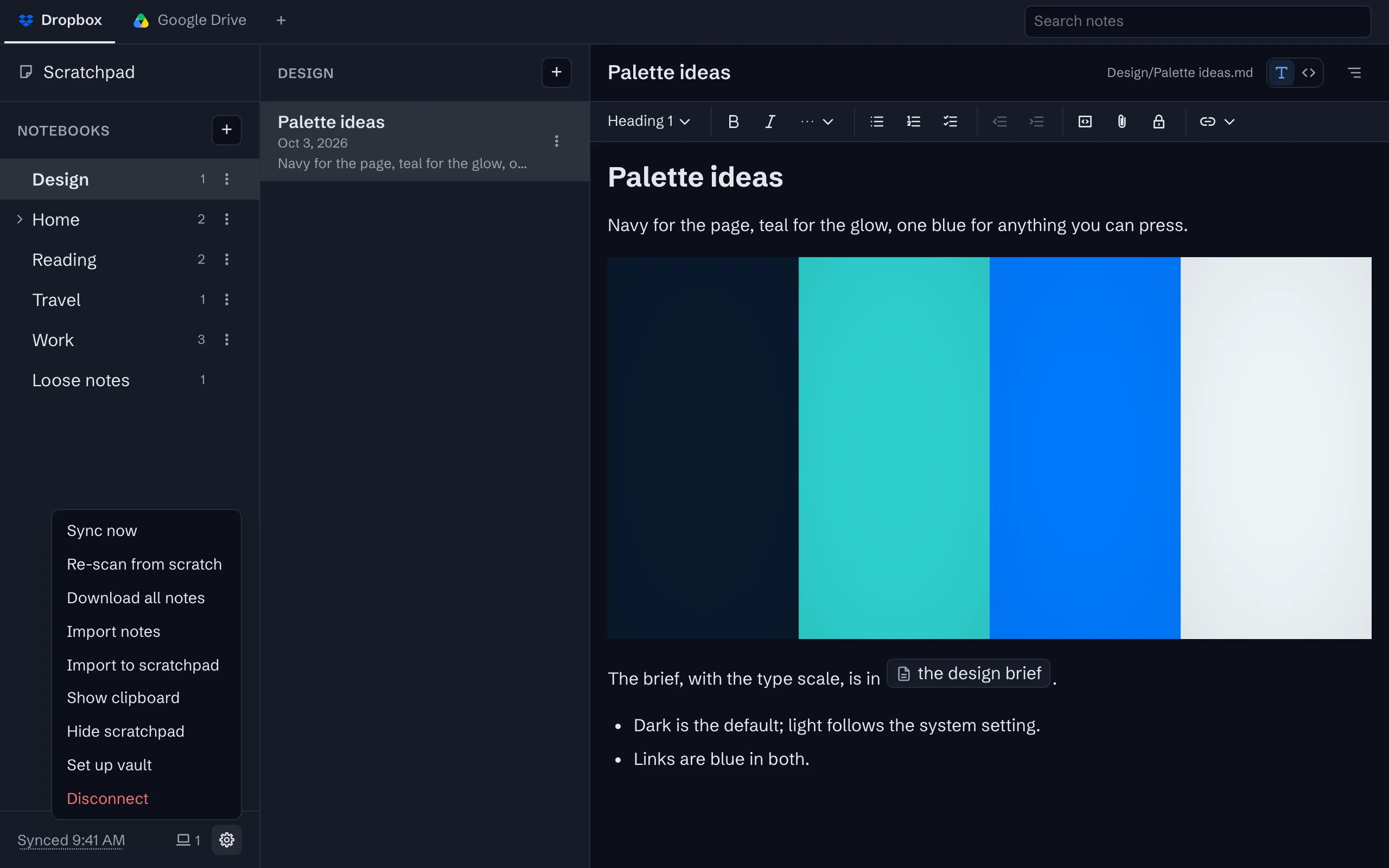
Download every note and its files as a zip, or just open the folder in your storage. There is no export step because there is no lock.


The whole tour has the rest, with screenshots.
Try it
The app is free on one device, with no account to create. Sync is $1 a month or $10 a year, after a 30-day trial with no card.