Features · Skysa Notes
Notes that never touch our servers.
Your notes travel from your browser to your own Google Drive or Dropbox. Nothing of what you write passes through anything we run. The server’s whole job is to let your devices reach your storage and to know whether you have paid, and its code is public.
Where your notes go
From your browser to your own storage account, and nowhere else. The app talks to Google Drive or Dropbox directly; the server we run is not in the path. It mints the tokens that let the app reach your storage, answers whether your subscription is current, and emails connect codes. It never receives a note, a title, or a search.
What we can and cannot see
We hold an encrypted key to each storage account you connect, which accounts they are and the email addresses on them, and your subscription’s address. Where instant updates are on, the server also learns that one of your devices synced, and when, and tells the others; nothing of what changed passes through. We cannot see a word of your notes. Your storage provider holds the files, as plain files, under its own terms, and you can read them there yourself at any time.
What your storage provider cannot read either
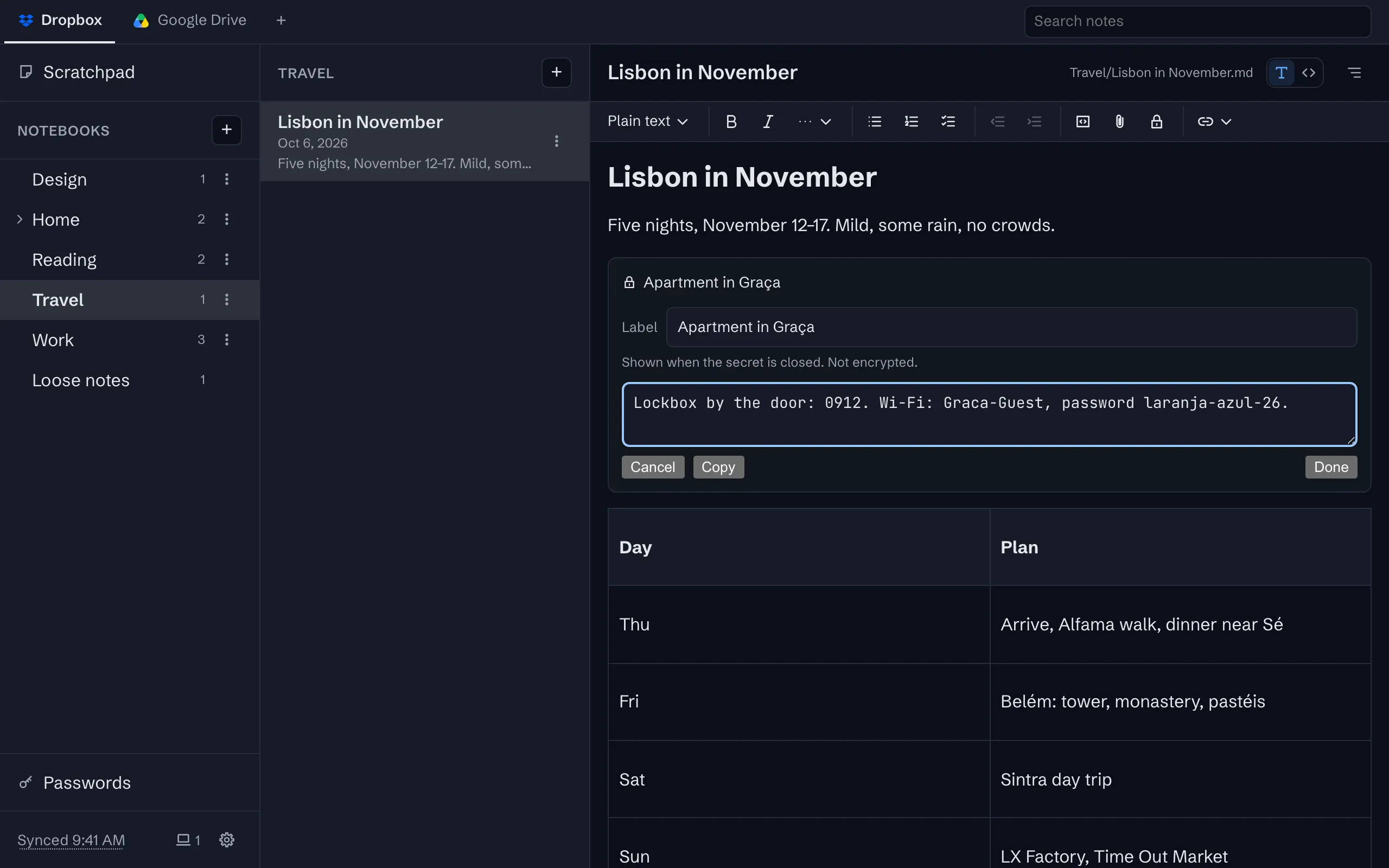
For what should stay private even from the company that holds your files, there is the vault. A secret in a note, or a password, is encrypted on your device as you type it, with a key that only you hold and that is never stored anywhere as it is. Your Drive or Dropbox keeps only scrambled text, and our servers never see it at all. Each of your devices unlocks the vault its own way, with a PIN, a pattern, a password or its own fingerprint or face.
Addresses that stay on your device
The address bar names the open note, but after the #, in the part of an address a browser never sends to any server, so your notebook and note names do not appear in anyone’s logs. This site, for its part, loads no script and no third-party anything; it cannot track you because it has nothing to do it with.
Do not take our word for it
The app and the server are open source under the AGPL-3.0. Read what the code does, or run your own copy on your own Cloudflare account. The privacy policy says the same things in the form a policy takes.
What you get
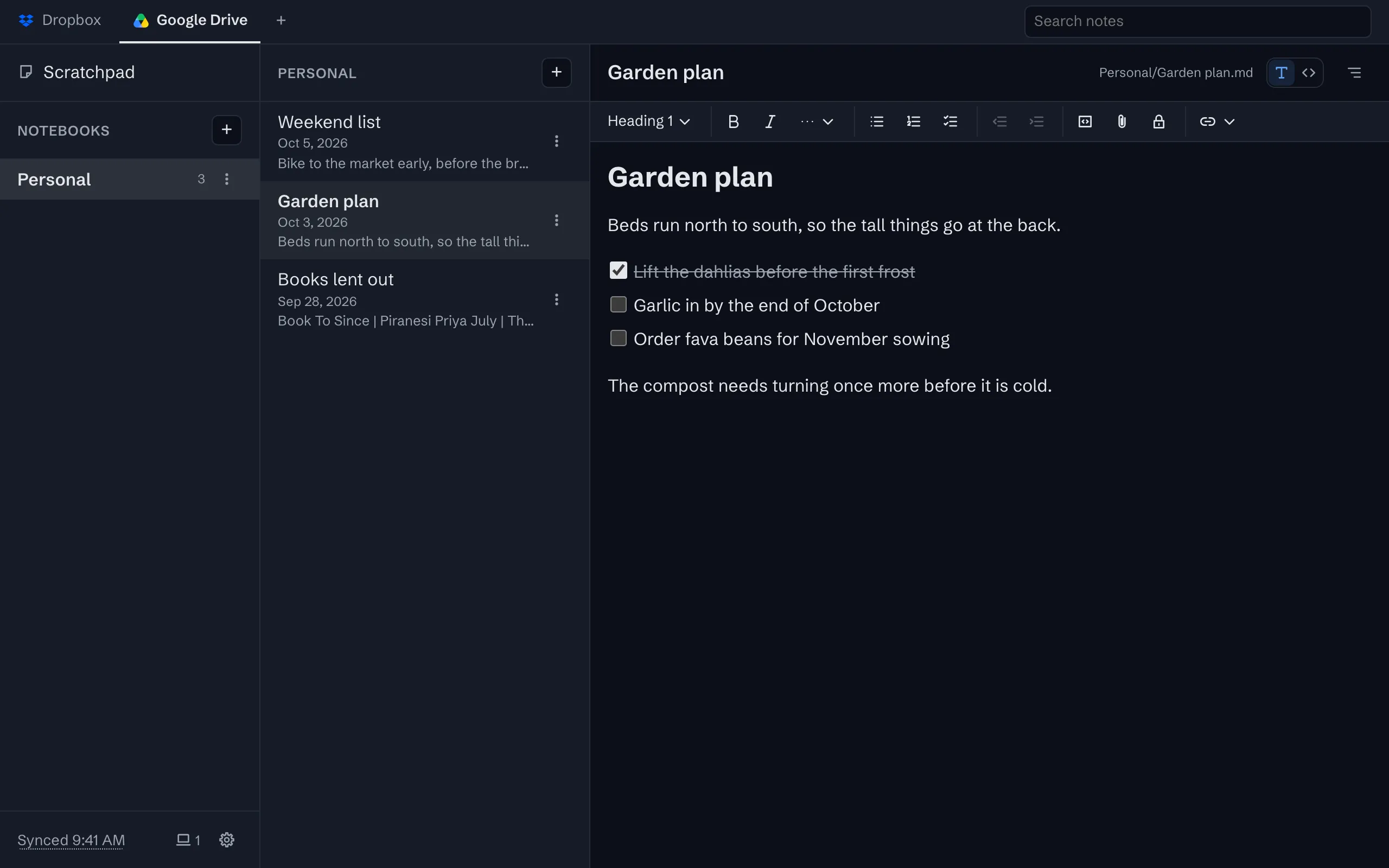
Sync through your own Google Drive or Dropbox
Your notes live in one folder in your own storage account, as plain files, and every device syncs with it.
Secrets inside a note
A door code or an account number, kept in the note it belongs with and encrypted before it leaves your device.
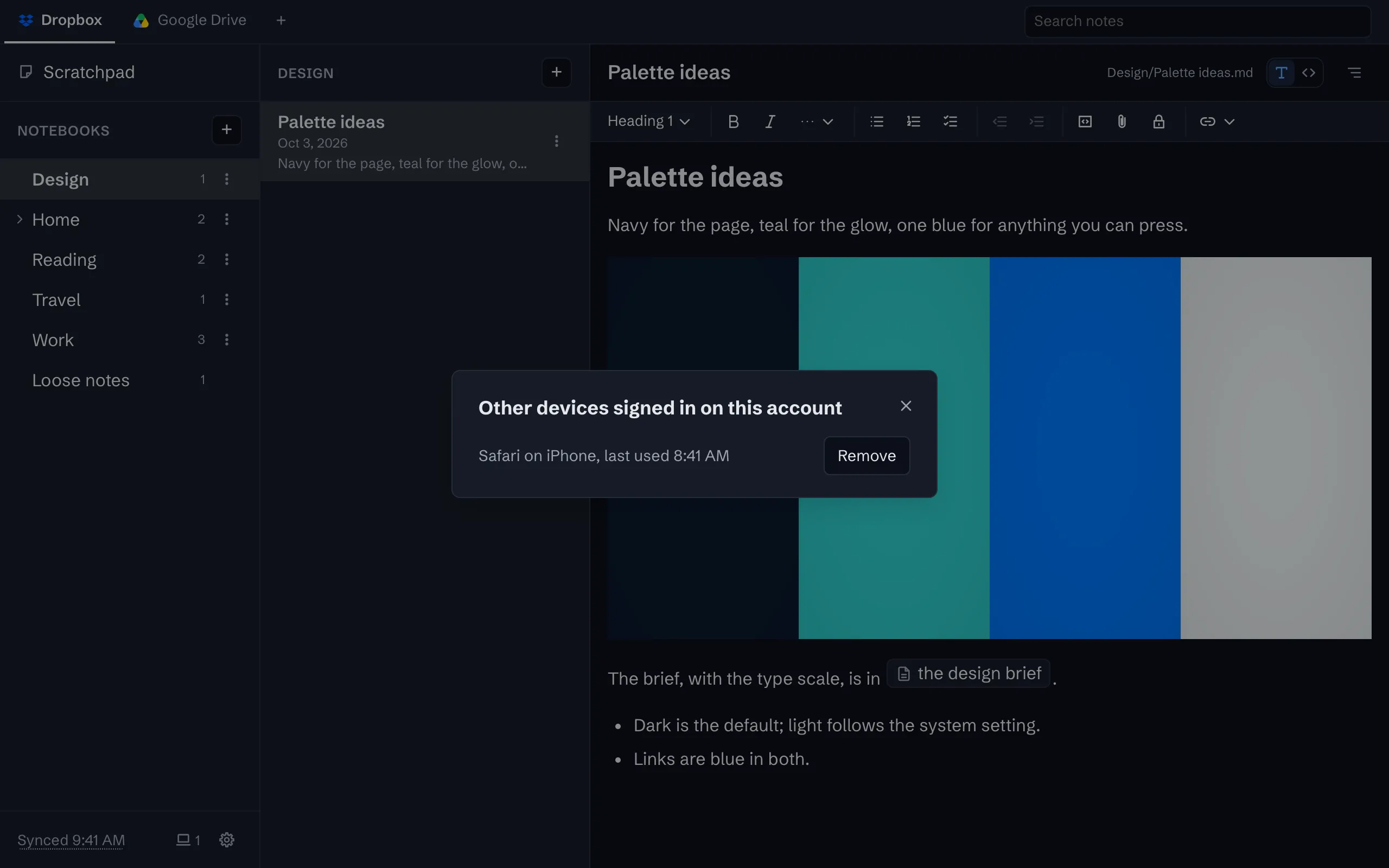
Every device on the account, by name
The status line counts the other devices signed in. Open the list to see each by name, and remove one you have lost.
Links to notes, and a Back button that works
Every note has an address you can bookmark, and the browser’s Back and Forward step through what you opened.
Take everything out, any time
Download every note and its files as a zip, or just open the folder in your storage. There is no export step because there is no lock.
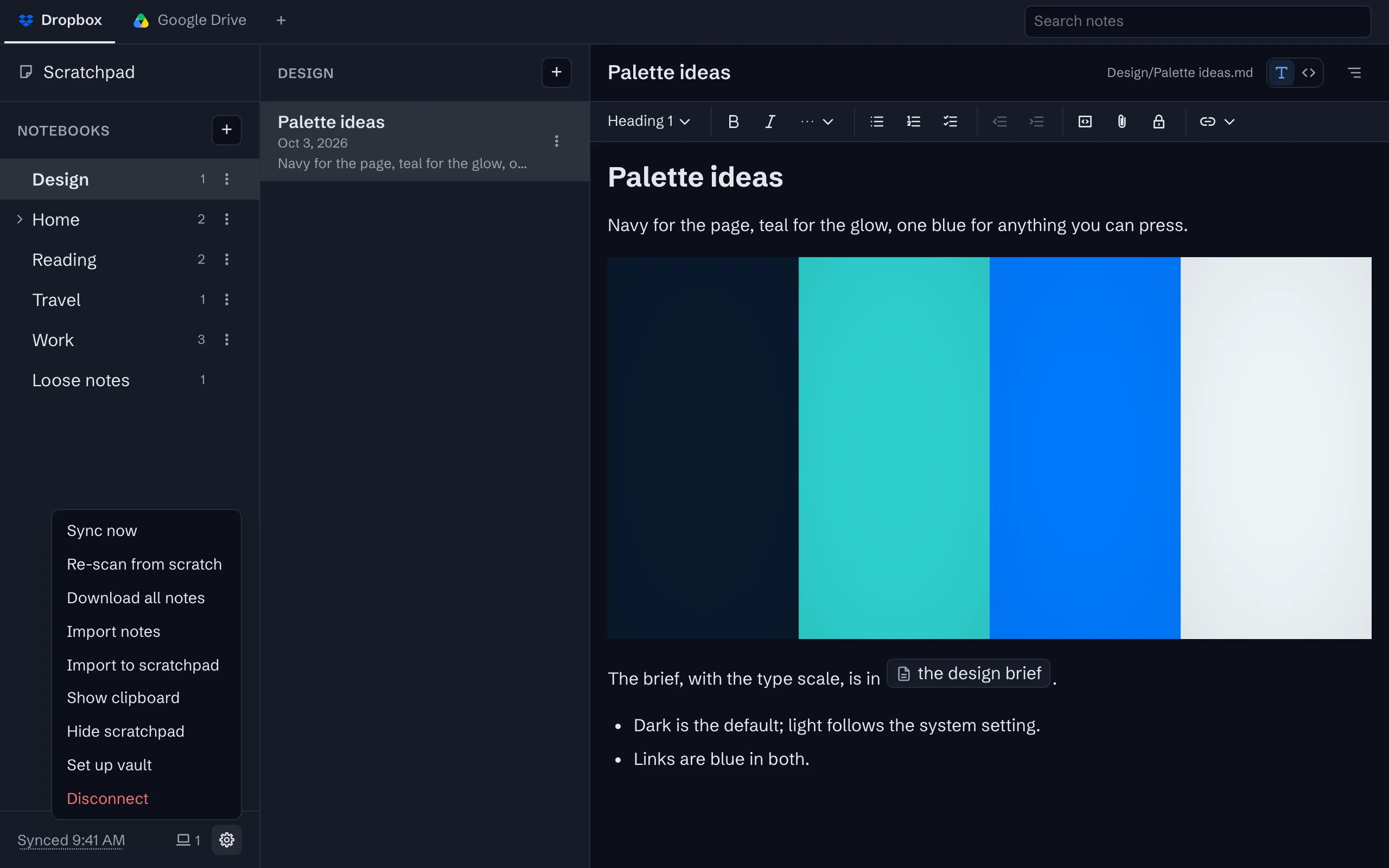
Open source, and yours to run
The whole app is AGPL-3.0 on GitHub, built to run on your own Cloudflare account.


The whole tour has the rest, with screenshots.
Try it
The app is free on one device, with no account to create. Sync is $1 a month or $10 a year, after a 30-day trial with no card.