Features · Skysa Notes
For people who like Obsidian’s files but not its sync.
A folder of Markdown files you own, in your own storage, with an app that runs in any browser and on any phone without an app store. No plugins and no graph; the files are the point. Here is what carries over, what does not, and how to move a vault.
What carries over
The vault. A folder of Markdown files, with front matter and folders for structure, is exactly what Skysa Notes keeps, so a vault imports as it is: folders become notebooks, attachments come along, and the dates in your front matter are read. The files stay yours, in your own Google Drive or Dropbox rather than on a sync server, and the app never rewrites one you did not change.
What is different
It runs in the browser, on anything with one, and installs from there to a phone or a laptop without an app store. Sync is a dollar a month, through storage you already have, and one subscription covers every device and every storage account. There is nothing to configure: no sync settings, no vault selection, no plugin to keep working.
What you would miss
Plugins, the graph view, the canvas, and links in double brackets, which the app keeps as text but does not resolve. Ordinary Markdown links between notes work. If a lot of your vault is wiki links, convert them to Markdown links first; the guide below names a plugin that does it in one pass.
Keeping Obsidian too
On Dropbox, point Obsidian at the app’s folder on your disk and both apps read the same files; the app sees anything Obsidian saves. On Google Drive the app can see only files it created, so notes Obsidian adds there need an Import. Either way, Obsidian’s own settings folder is ignored.
What you get
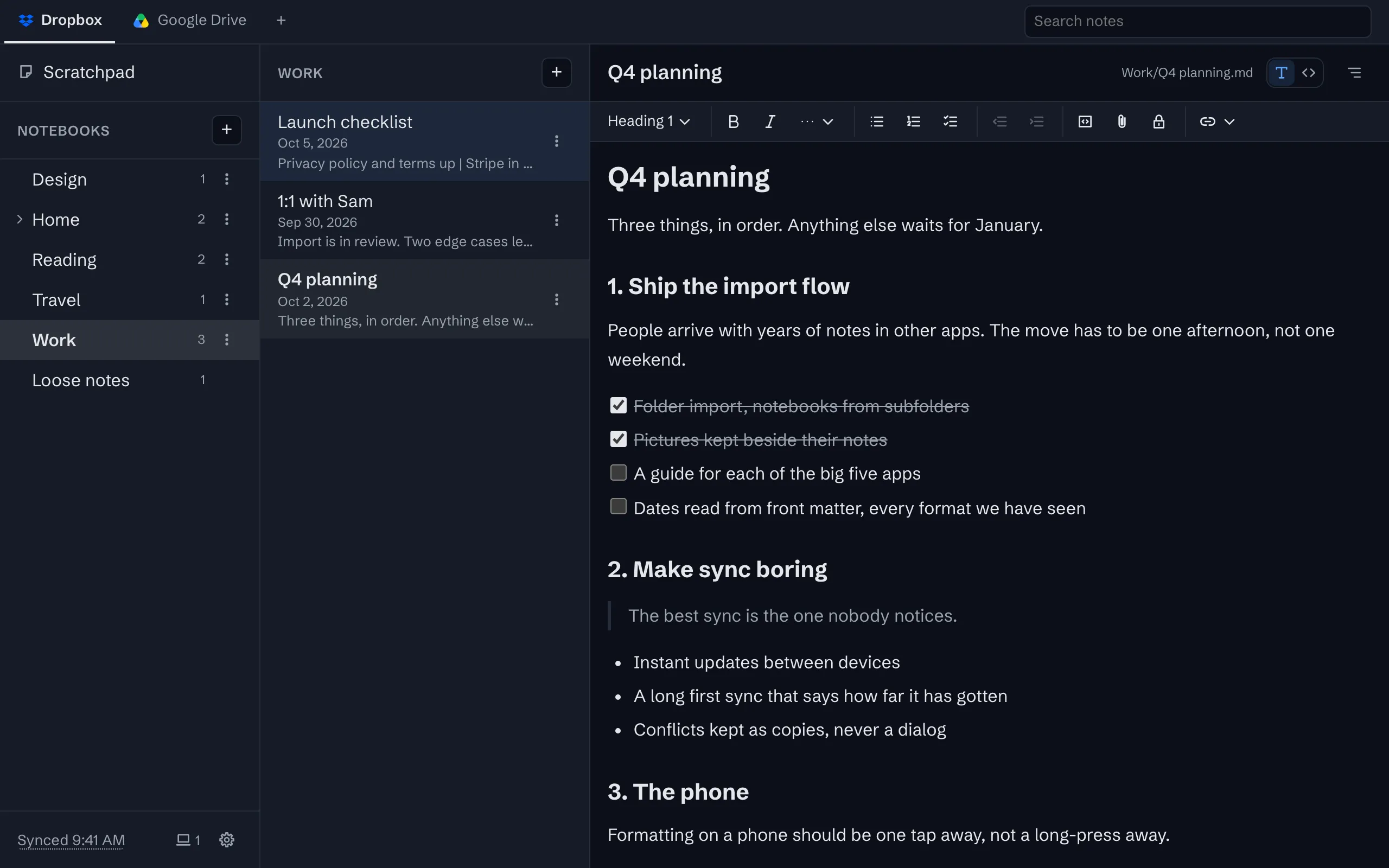
Rich text that is really Markdown
Headings, lists, task lists, quotes, tables and code, in an editor that saves a plain Markdown file.
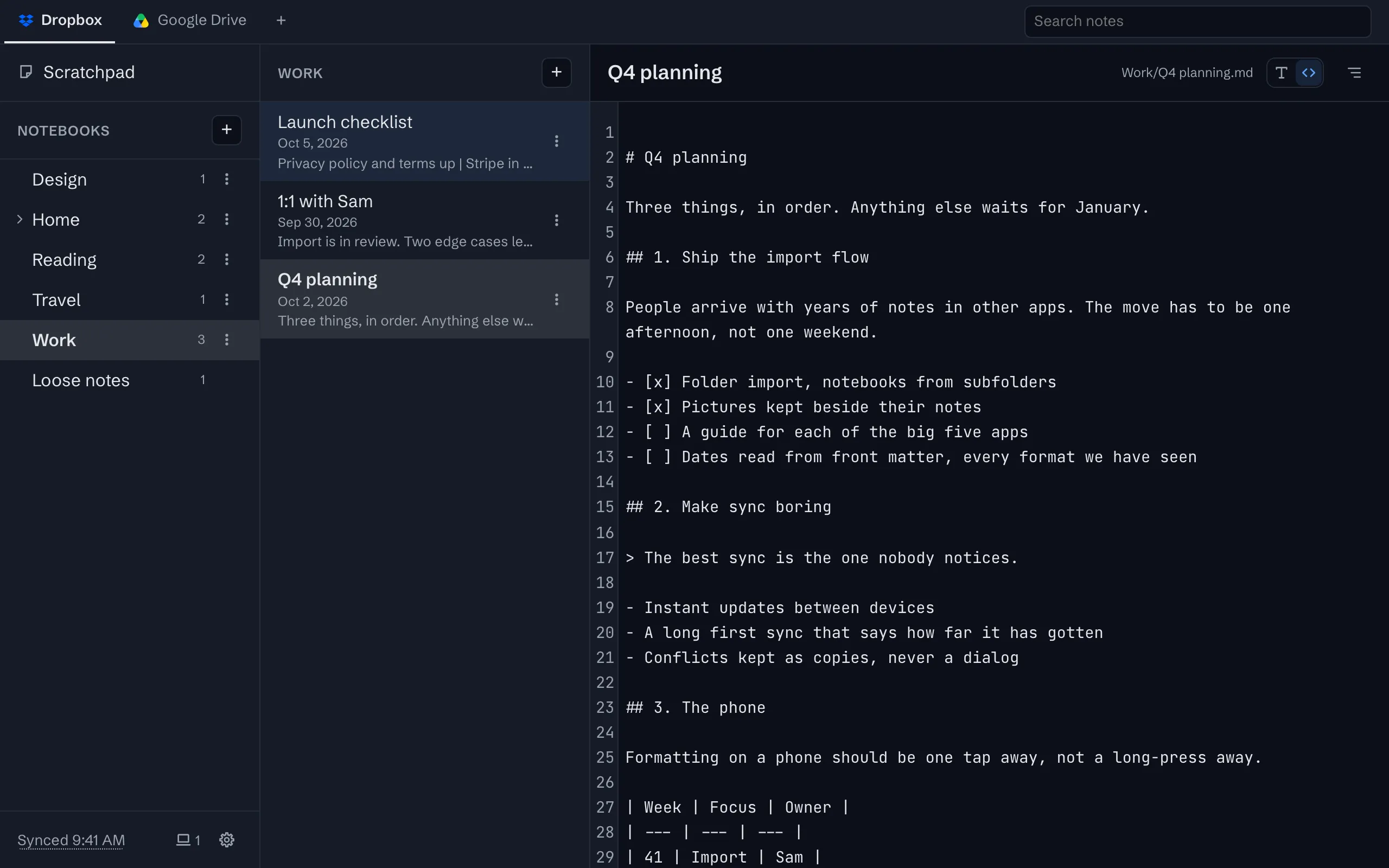
Markdown when you want it
Switch any note to its raw Markdown with Cmd/Ctrl+E, and back. Both edit the same file.
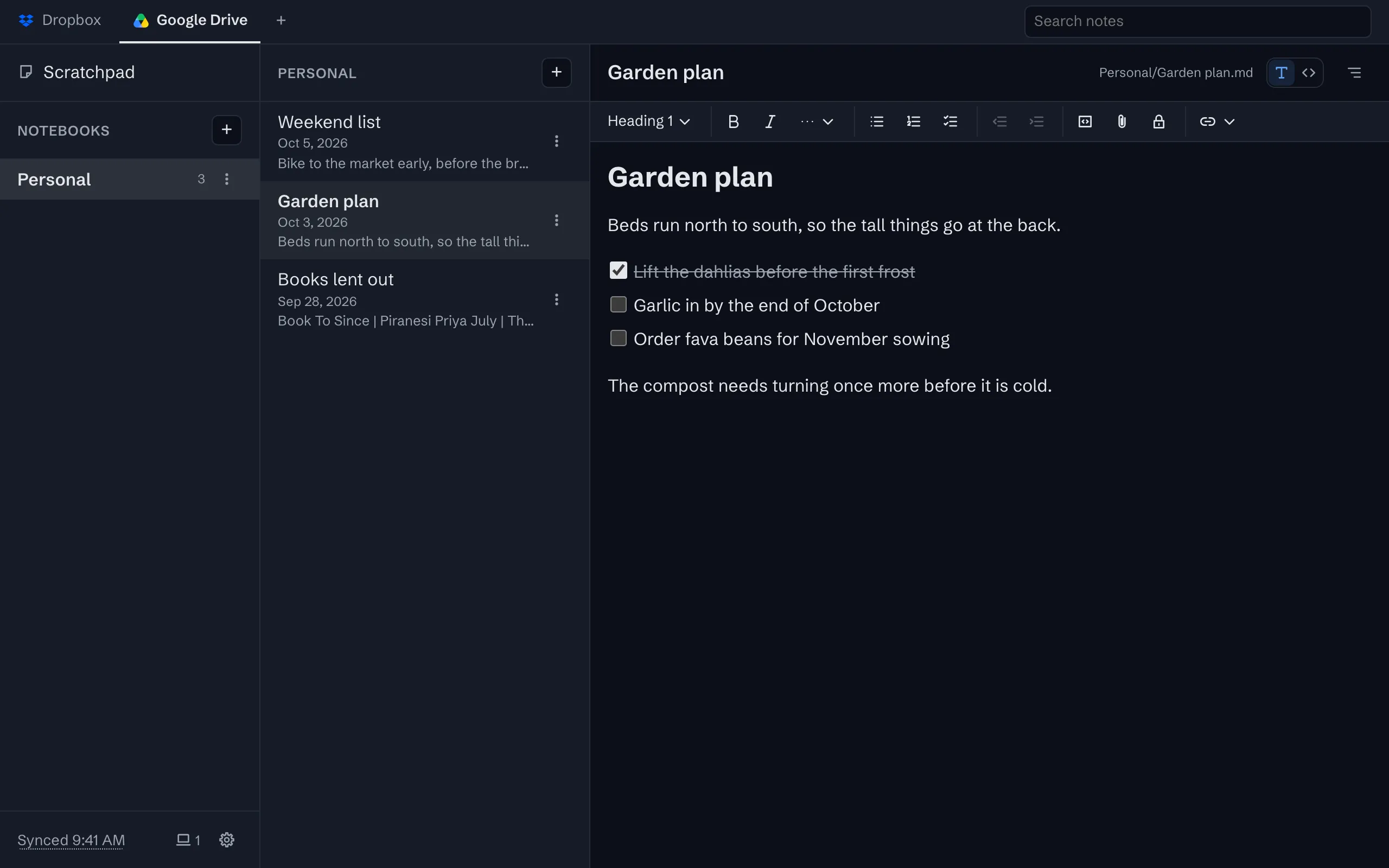
Sync through your own Google Drive or Dropbox
Your notes live in one folder in your own storage account, as plain files, and every device syncs with it.
Offline first
Everything is on the device before it is anywhere else. Write without a connection and sync when it returns.


The whole tour has the rest, with screenshots.
Moving your notes here
Our guides get your notes out of the app you have, as Markdown files, with free tools:
Try it
The app is free on one device, with no account to create. Sync is $1 a month or $10 a year, after a 30-day trial with no card.