Features · Skysa Notes
Works offline. Installs from the browser.
Everything you write is saved on the device first and works with no connection at all. Install the app from the browser, to a home screen or a dock, and it opens like any other app. Connect storage and the device syncs whenever it is back online.
Offline is the normal case
Every note is saved on the device as you type, before it goes anywhere. On a plane, in a basement, on a train between tunnels, the app opens and works exactly as it does online: write, search, move notes around, attach a photo. When the connection returns, the device syncs in the background, and a long sync picks up where it left off if you close the app.
Install it like an app
In Chrome or Edge, on a desktop or Android, a banner offers to install it; on an iPhone, tap Share and then Add to Home Screen; on a Mac, Safari’s File menu has Add to Dock. The installed app opens in its own window, with its own icon, and keeps working offline. On Android and ChromeOS it also appears in the share sheet, so you can send text, a link or a file to it from any other app.
One thing about Safari
A website’s storage in Safari can be cleared after a week without a visit. An installed app’s is kept. If you use the app free, on one device, install it, and connect storage or download your notes now and then. Connecting storage makes a second copy in your own Drive or Dropbox and takes care of both.
What you get
Offline first
Everything is on the device before it is anywhere else. Write without a connection and sync when it returns.
Made for your phone
Install it from the browser, format with one tap, share anything to it. The same files as your laptop.
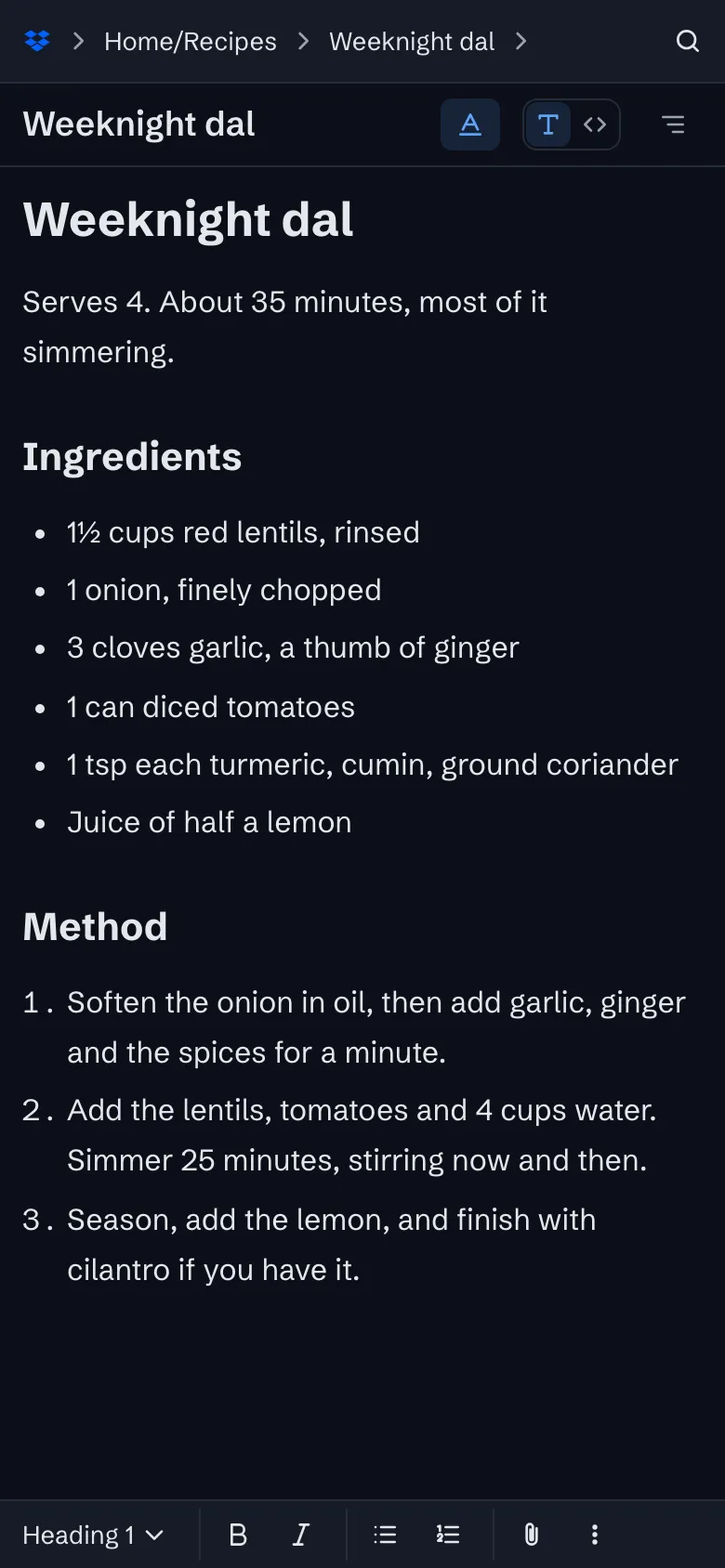
Sync through your own Google Drive or Dropbox
Your notes live in one folder in your own storage account, as plain files, and every device syncs with it.
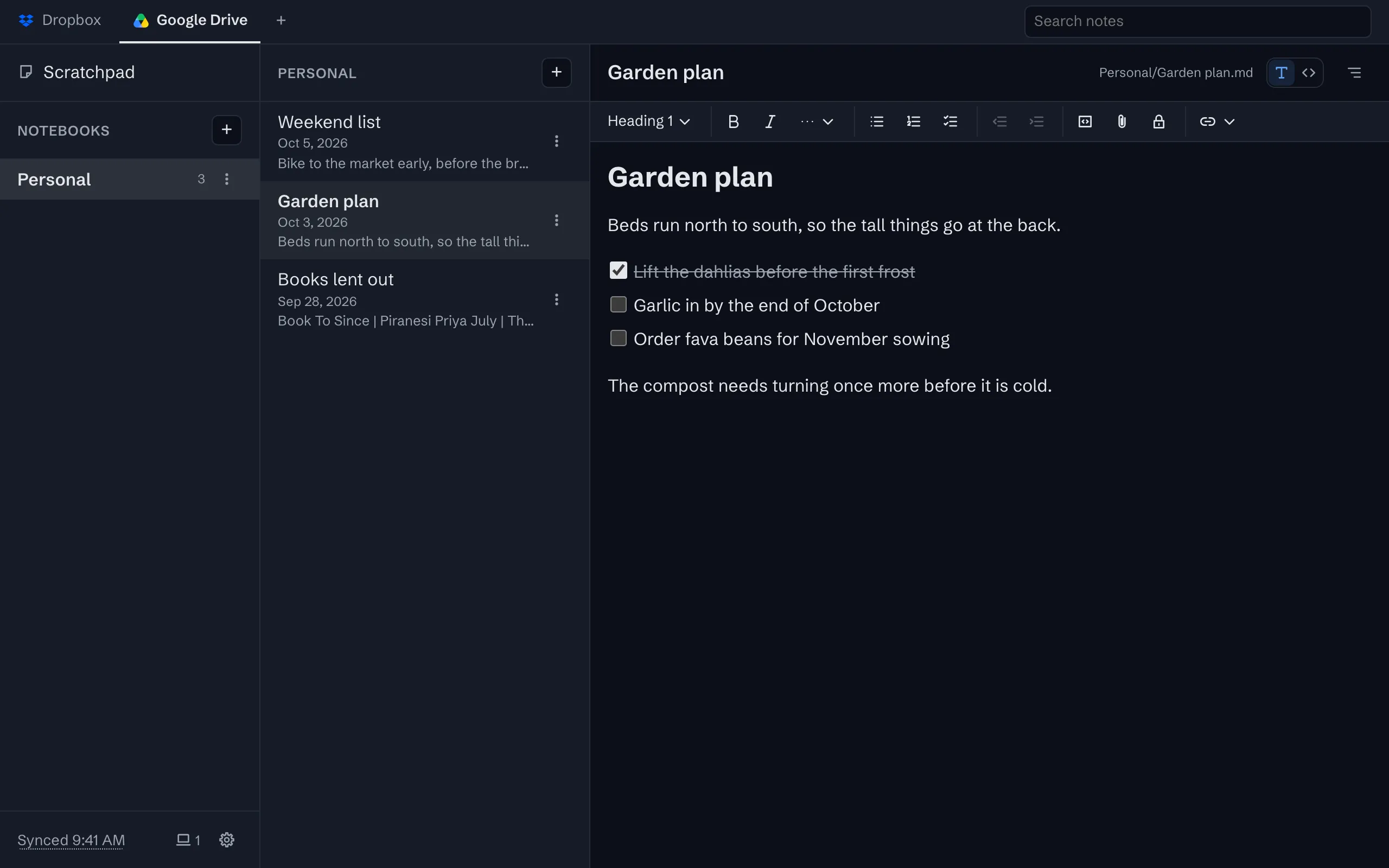
Changes arrive in seconds
A device that has saved a change tells your other devices, which update within a second or two.


The whole tour has the rest, with screenshots.
Try it
The app is free on one device, with no account to create. Sync is $1 a month or $10 a year, after a 30-day trial with no card.