Features · Skysa Notes
Your notes, as files in your Google Drive.
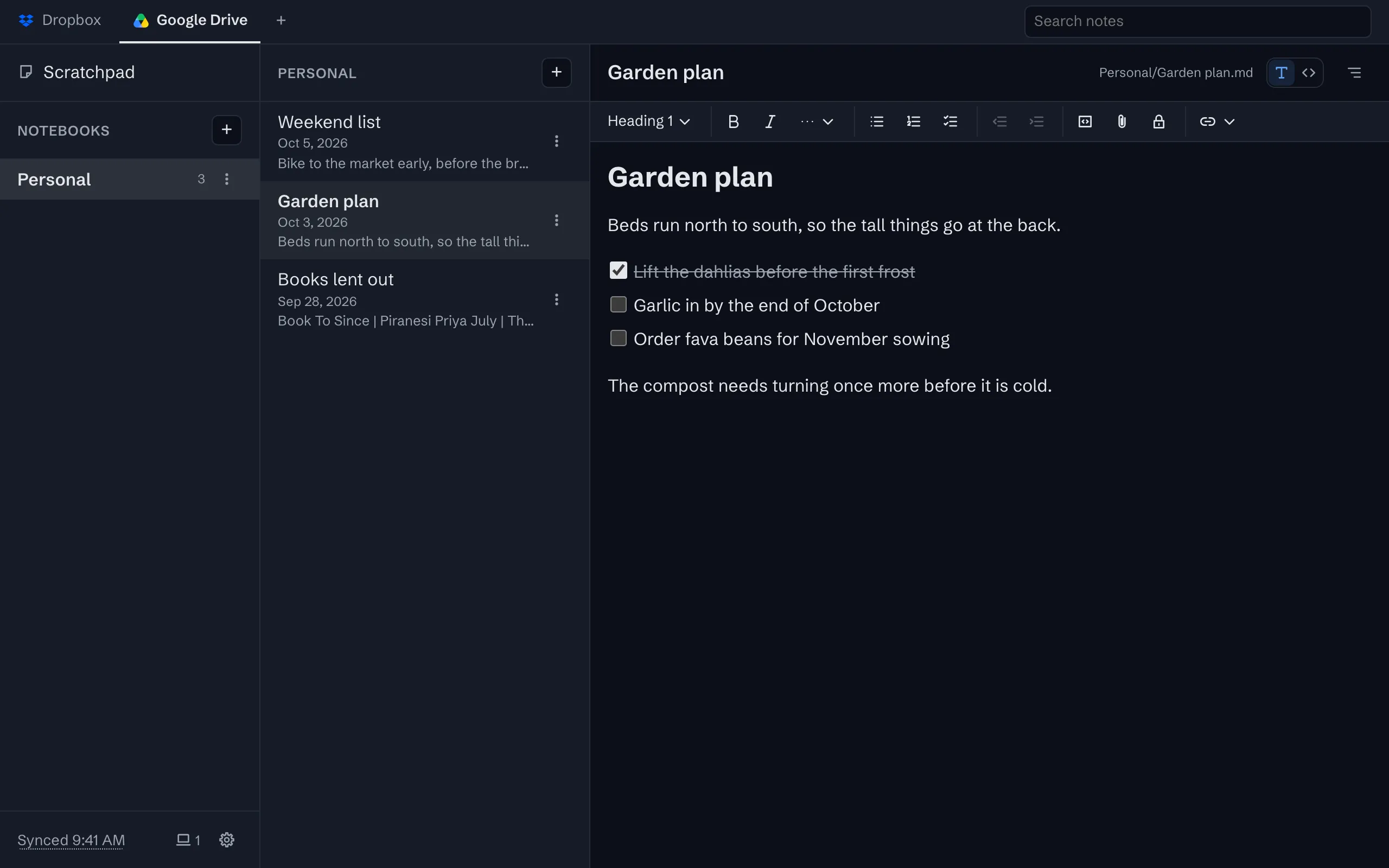
One folder in My Drive, a Markdown file for every note, a folder for every notebook, and your pictures beside them. Every device you connect syncs with that folder, and so can anything else that reads files.
What it puts in your Drive
One folder in My Drive, named after the app. Inside it, a folder for every notebook and a Markdown file for every note, with the note’s title, dates and tags in a few lines of front matter at the top. A picture or a file you add to a note sits in the same folder as the note, and the note links to it by name. Open the folder on the Drive website or in Drive for desktop and it reads like a well-kept directory, because it is one.
Edit the files anywhere
Change a note in any Markdown editor, on a computer that has Drive for desktop, and the change syncs back to every device the next time they look, within seconds when the app is open. If two devices change the same note while apart, both versions are kept, the second as a copy named with the time.
The one thing to know about Drive
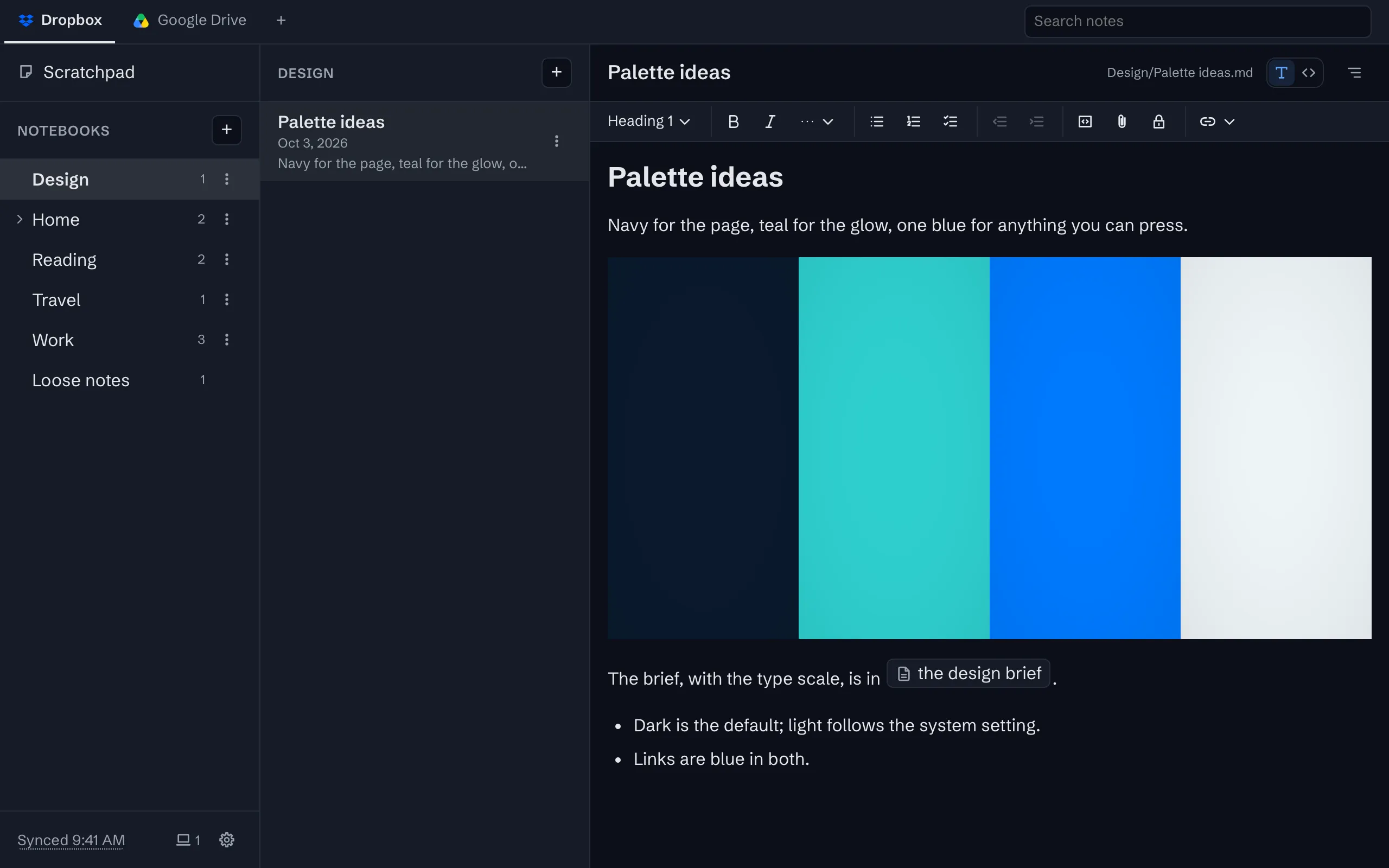
The app asks Google for the narrowest access Drive offers: it can see only the files it created itself. That is good for you, since it cannot read anything else in your Drive, but it means a new file you copy into the folder from outside is invisible to the app until you bring it in with Import. Edits to files the app made are seen as usual. Dropbox has no such limit, if you would rather drop files straight into the folder.
Getting started
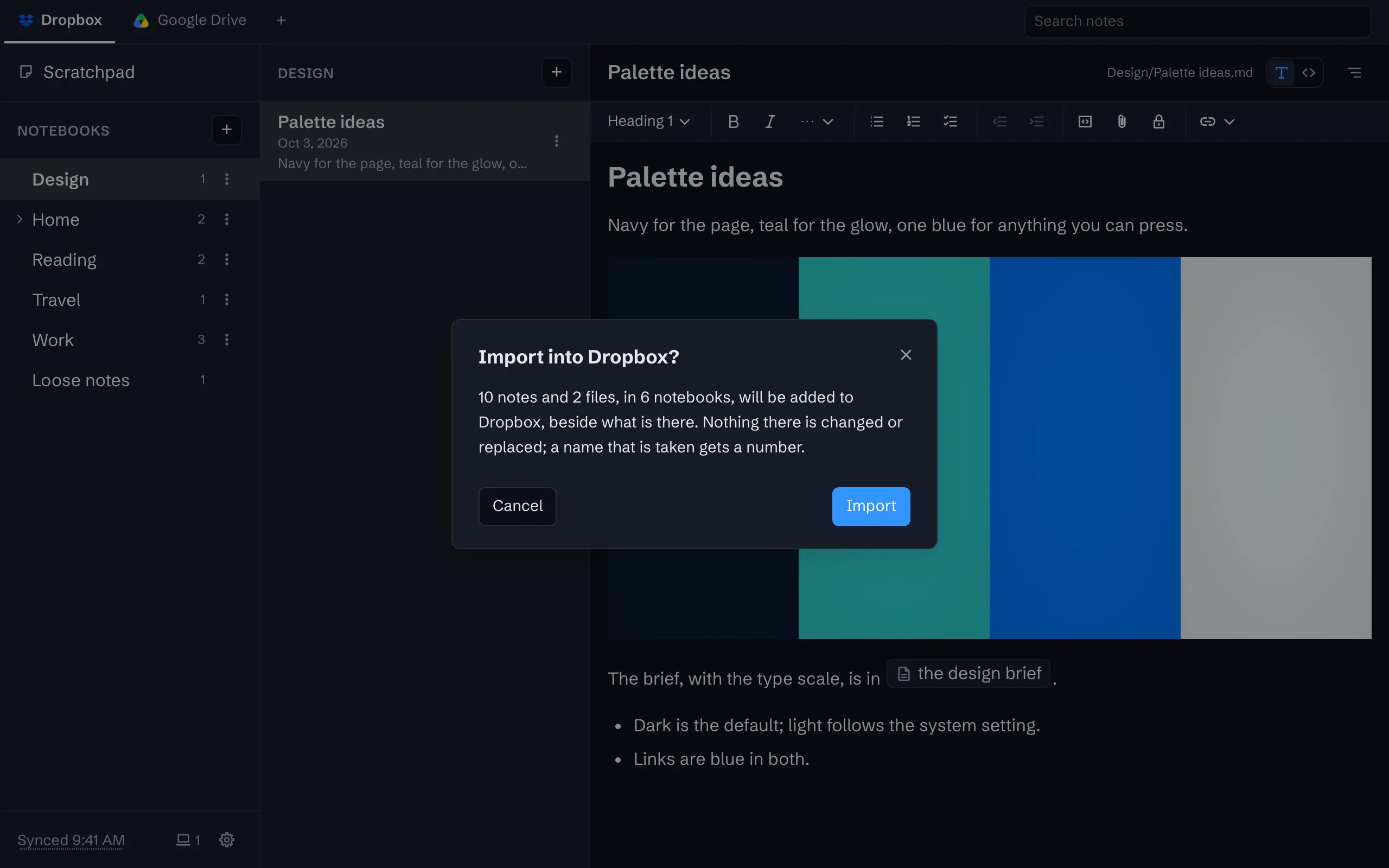
Open the app, write a note, and when you want it on another device, subscribe and connect Google Drive from the storage menu. Your notes move into the folder, and a second device connected to the same account shows them. Years of notes from another app come in through Import, as a folder of Markdown files; the guides show how to make one.
What you get
Sync through your own Google Drive or Dropbox
Your notes live in one folder in your own storage account, as plain files, and every device syncs with it.
Changes arrive in seconds
A device that has saved a change tells your other devices, which update within a second or two.
Pictures and files beside notes
Paste, drop or pick a picture or a file. It is kept in the note’s folder, and the note links to it.
Bring in what you already have
Import a folder of Markdown files, or a zip, and get notebooks from its folders with pictures and dates intact.


The whole tour has the rest, with screenshots.
Try it
The app is free on one device, with no account to create. Sync is $1 a month or $10 a year, after a 30-day trial with no card.